
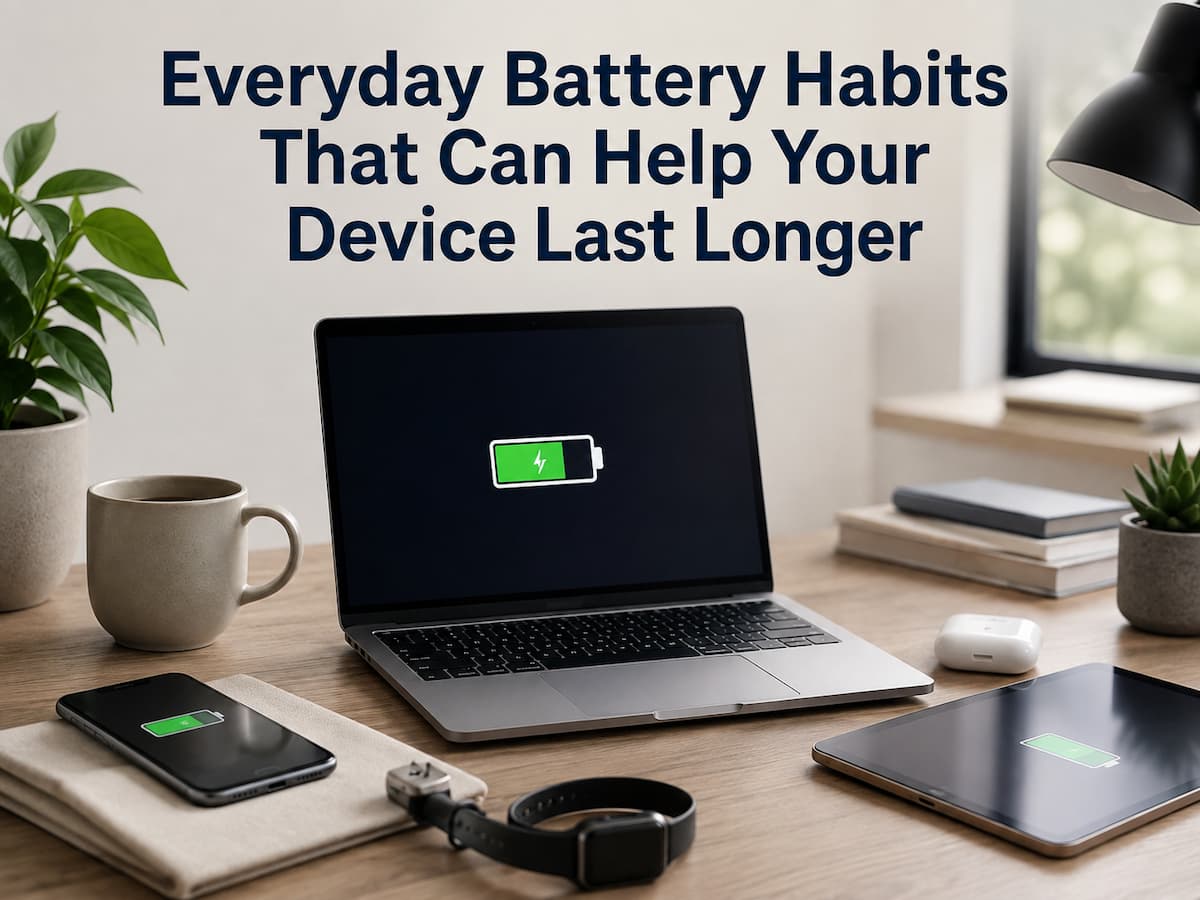
A device battery usually does not fail because of one bad charging session. Rechargeable batteries gradually lose capacity as you use them, and everyday conditions can influence how quickly that happens. The way you charge a phone, use a laptop, leave a tablet in a hot car, or store a device that you rarely use can all affect the battery over time. Fortunately, better battery care does not require complicated routines or constantly checking a percentage indicator. Most useful habits are simple and fit naturally into your normal device use.
The key is to separate battery runtime from battery health. Battery runtime refers to how long a device operates between charges. Battery health refers more broadly to the condition and remaining capacity of the rechargeable battery. A habit that gives you more hours today is not necessarily the same thing as a habit that supports the battery over a longer period. Understanding that difference makes battery advice much easier to apply without becoming overly concerned about every charging decision.
Avoid Making Heat a Normal Part of Charging
Heat is one of the most important things to pay attention to when caring for rechargeable batteries. Devices can naturally become warm during charging or demanding tasks, but excessive or persistent heat is something worth addressing. The environment around the device matters too. Charging a phone underneath bedding, leaving a laptop in direct sunlight, or keeping electronics inside a hot vehicle can make it more difficult for the device to manage temperature.
A practical habit is to charge devices in a reasonably cool, ventilated location and avoid covering them with clothing, blankets, or other materials while they are charging. If a device becomes unusually hot, look at what is happening at the same time. A demanding application, poor ventilation, direct sunlight, damaged charging equipment, or a battery problem could be contributing to the temperature increase. You do not need to panic whenever a device feels warm, but repeated excessive heat should not simply be ignored. When the manufacturer provides temperature or charging guidance for a particular model, follow that information rather than relying on generic battery rules.
Do Not Treat Every Charge as a Battery Emergency
Many people become overly concerned about the exact moment when they should connect a charger. Modern rechargeable devices are designed to manage charging electronically, so everyday charging does not need to become a rigid ritual. For normal use, charge the device when it is convenient and appropriate for your routine. If you know you will be away from a charger for several hours, charging beforehand makes practical sense. If your phone is already comfortably charged and you are going out for a short period, there is usually no reason to repeatedly top it up simply because the percentage has moved slightly.
The more useful approach is to understand the charging features available on your particular device. Many modern phones, tablets, and laptops include settings designed to manage charging behavior or reduce the amount of time a battery remains at a very high charge level. The exact feature and its behavior vary by manufacturer, operating system, and model. Instead of following a universal rule such as “never charge above a certain percentage,” check the device’s own battery-health settings and documentation.
Use Appropriate Charging Equipment
The charger and cable are part of the charging system, so they should not be treated as interchangeable accessories simply because a connector fits. Use charging equipment that is compatible with the device and meets the manufacturer’s requirements. A reputable replacement charger or cable can be perfectly appropriate when it follows the relevant specifications, while poorly made or damaged accessories can create charging problems and unnecessary risk.
Inspect cables from time to time. Frayed insulation, exposed wires, damaged connectors, unusual heat, or intermittent charging are signs that an accessory should no longer be treated as reliable. Avoid continuing to use damaged equipment simply because it still manages to charge the device. It is also useful to remember that charging speed can generate additional heat. Fast charging is a normal feature on many modern devices and can be useful when you are short on time, but you do not need to use the fastest possible charging method for every situation. When you have plenty of time, ordinary charging may be sufficient for your needs. Follow the manufacturer’s guidance rather than assuming that slower charging is always necessary or that faster charging is always harmful.
Avoid Extreme Temperatures When Possible
Batteries operate within certain temperature ranges, and extreme conditions can interfere with normal device operation. Very hot environments are particularly relevant to everyday users because they often leave portable electronics in cars, near windows, or outdoors during warm weather. A phone sitting in direct sunlight can become much hotter than the surrounding air. A laptop can also retain heat during demanding tasks if it is placed in a poorly ventilated location. Cold conditions can create their own temporary effects, including reduced battery performance and shorter apparent runtime.
You do not need to avoid using your device every time the temperature changes. Instead, avoid deliberately exposing it to extreme conditions for extended periods. Do not leave a device inside a hot parked vehicle, and allow a device that has become extremely cold or hot to return toward a normal operating environment before demanding heavy use or charging when the manufacturer’s instructions recommend doing so. If temperature warnings appear on the device, take them seriously. The warning is more useful than a generic internet rule because it reflects the device’s own monitoring system.
Reduce Unnecessary Battery Drain
Battery care is not only about charging. How you use a device affects how frequently it needs to be recharged, and frequent energy consumption naturally means more charging over the life of a rechargeable battery. Look at the features that consume significant power in your particular situation. A bright display, demanding applications, high-performance settings, location services, mobile connectivity, and background activity can all contribute to faster drain depending on the device.
That does not mean you should turn everything off. A smartphone with a permanently dim display and every useful feature disabled may technically consume less power, but it may also become frustrating to use. Instead, focus on settings that provide little value to you. If an application is consuming an unusually large amount of battery while you are barely using it, investigate the battery settings before immediately deleting it. There may be a legitimate reason, a synchronization task, an update, or a configuration issue behind the activity. Understanding the cause is more useful than applying blanket battery-saving restrictions.
Use Battery-Saving Features When They Actually Help
Battery-saving modes are useful when you need more runtime from a device, particularly when you are away from a charger. They can reduce background activity, adjust performance, limit synchronization, reduce visual effects, or change other power-consuming behavior. There is no requirement to keep battery-saving mode enabled permanently. For many people, it is most useful as a practical tool when the remaining charge is limited and charging is not immediately available.
For example, if you are traveling and know you will not have access to power for several hours, enabling a suitable low-power mode can help prioritize essential functions. When you return to normal charging conditions, you can return to your usual settings. The important point is that battery-saving features are primarily designed to manage current power consumption. They should not be confused with a magic method for restoring an aging battery. If a battery has significantly lost capacity, changing software settings cannot physically restore that lost capacity.
Do Not Obsess Over Reaching a Perfect Percentage
Battery advice online often turns into arguments about exact percentages. One person says a device should never fall below a particular level, while another recommends keeping it within a narrow charging range. Such rules can make ordinary device use unnecessarily complicated. Rechargeable batteries naturally age through use and time. Charging behavior is one factor among several, and modern devices include charging management systems designed to handle normal use.
Rather than treating a specific percentage as a hard boundary, focus on the bigger habits that are easier to maintain: avoid excessive heat, use compatible charging equipment, do not intentionally leave devices in extreme environments, and use battery-health features when they are available. If a manufacturer recommends a particular charging range or battery-care feature for your model, that guidance should take priority. Device manufacturers know the charging system and battery characteristics of their products, whereas generic advice cannot account for every design. A good battery routine should make your life easier, not force you to monitor a number every few minutes.
Think Differently About Devices You Store for a Long Time
Occasionally, a device is not used for weeks or months. Perhaps it is an old phone kept as a backup, a tablet used only during travel, or a laptop that has been replaced temporarily but may still be needed later. Long-term storage deserves more thought than simply putting the device in a drawer.
Rechargeable batteries can gradually lose charge while sitting unused. If a device remains unused for a long period and its battery becomes completely depleted, it may create problems when you eventually try to use it. The appropriate storage condition varies by battery type and manufacturer, so consult the specific device’s instructions.
Keep stored electronics in a reasonable environment rather than a place exposed to excessive heat, moisture, or freezing temperatures. If the manufacturer recommends checking the battery periodically during long-term storage, follow that recommendation. For devices you genuinely expect to need later, it is worth knowing where they are stored, whether they can still power on, and whether important data has been backed up elsewhere.
Watch for Signs That the Battery Is Aging
No charging habit can make a battery last forever. Rechargeable batteries are consumable components, and capacity generally declines with age and use. One obvious sign is reduced runtime. If a device once lasted most of a working day but now requires several charges under similar usage, the battery may simply be aging. Other changes deserve closer attention. Unexpected shutdowns, unusual heating, rapid percentage changes, or a battery that behaves inconsistently can indicate that something is wrong beyond ordinary capacity loss.
Physical swelling is particularly important. If a phone, laptop, tablet, or other device appears to be bulging or its casing is separating because of a suspected battery problem, do not press the device back into shape or attempt to puncture, remove, or repair the battery yourself. Stop using the device if it is safe to do so and follow the manufacturer’s support or repair guidance.
Battery replacement is sometimes the correct maintenance decision. Replacing an aging battery can be more practical than replacing an otherwise functional device, provided the battery can be safely and appropriately serviced.
Keep the Device Software Updated
Software can sometimes affect battery behavior. Operating system updates may contain bug fixes, power-management improvements, compatibility changes, or adjustments to background activity. That does not mean every battery problem will disappear after an update. If a device suddenly begins losing charge much faster than usual, investigate which applications and system processes are consuming power rather than assuming the battery itself is defective.
Most modern devices provide battery-usage information that can show which applications are consuming the most energy. This can be particularly helpful when the change is sudden. An application that repeatedly runs in the background, constantly uses location services, or performs intensive synchronization may have a noticeable effect on battery runtime. Keep the software reasonably current, but use the device’s battery information to understand what is actually happening.
Remember That Battery Life and Battery Health Are Different
These two terms are often used interchangeably, but they describe different things.
- Battery life usually refers to how long a device can operate before it needs another charge. Turning down screen brightness, reducing background activity, or using a low-power mode can increase battery life during a particular day.
- Battery health refers to the battery’s condition and capacity. Software settings can reduce energy consumption, but they cannot reverse physical battery aging.
This distinction is useful when troubleshooting. If your phone lasts longer after activating a power-saving mode, you have improved runtime for that period. You have not necessarily improved the battery’s underlying condition. Likewise, if an older laptop has developed dramatically shorter runtime despite normal usage, reducing screen brightness may help you get through the day, but it does not restore the capacity the battery has lost. Understanding this difference prevents unrealistic expectations from battery-optimization advice.
A Sensible Battery Routine Does Not Need to Be Complicated
The most effective battery usage habits are often surprisingly simple. Keep your device from overheating, use the correct charging equipment, avoid damaged charging cables, monitor for abnormal temperatures or battery performance, and take advantage of the battery management features built into modern devices. Unless the manufacturer provides specific recommendations for your device, you should not routinely base charging on strict percentage rules. Charge only when necessary, keep key software up to date, and investigate sudden changes in battery performance rather than attributing all issues to normal battery aging.
Most importantly, rechargeable batteries are consumables. Good usage habits contribute to reasonable long-term battery use but cannot prevent natural aging forever. Our goal is not to prevent batteries from ever wearing out but to avoid unnecessary wear, reduce excess heat and charging issues, and ensure reliable operation throughout the battery’s normal lifespan.
FAQs
1. Is it bad to charge your phone overnight?
Modern phones are equipped with charge management systems to regulate charging, so charging overnight is not a problem in itself. However, temperature, charging conditions, and your device’s specific battery management features remain crucial. Whenever possible, use the charging and battery health settings recommended by the manufacturer.
2. Should I always keep my battery between 20% and 80%?
Not all devices need to strictly adhere to this range. Avoiding prolonged periods of extreme charging can extend battery life, but the specific approach varies by device. Consult the manufacturer’s battery health guidelines rather than blindly following online advice.
3. Does fast charging damage my battery?
Fast charging is a feature of many modern devices and charging systems. It generates extra heat, which is one reason why temperature management is crucial. Whether you should use fast charging frequently depends on your device and its charging design. Follow the manufacturer’s guidelines.
4. Why is my battery draining faster than it did before?
Battery capacity naturally declines over time, but heavier screen usage, running demanding applications, background activities, network connectivity, software updates, or environmental factors can also cause faster drainage. Check your device’s battery usage information before concluding that your battery needs replacing.
5. Can I revive my old battery?
No charging method can reverse a battery’s normal physical aging process. Software settings can reduce power consumption and extend daily battery life, but significantly aged batteries may eventually require professional replacement.

Daniel Mercer writes about everyday technology problems, including computer and network troubleshooting, device care, software and apps, digital organization, and online privacy. He focuses on practical explanations that help readers understand what may be causing a problem before changing settings or replacing equipment. Daniel prefers clear, straightforward guidance over unnecessary technical jargon and aims to make technology easier to understand for everyday users. His work appears across FinStructura’s five main content areas.