
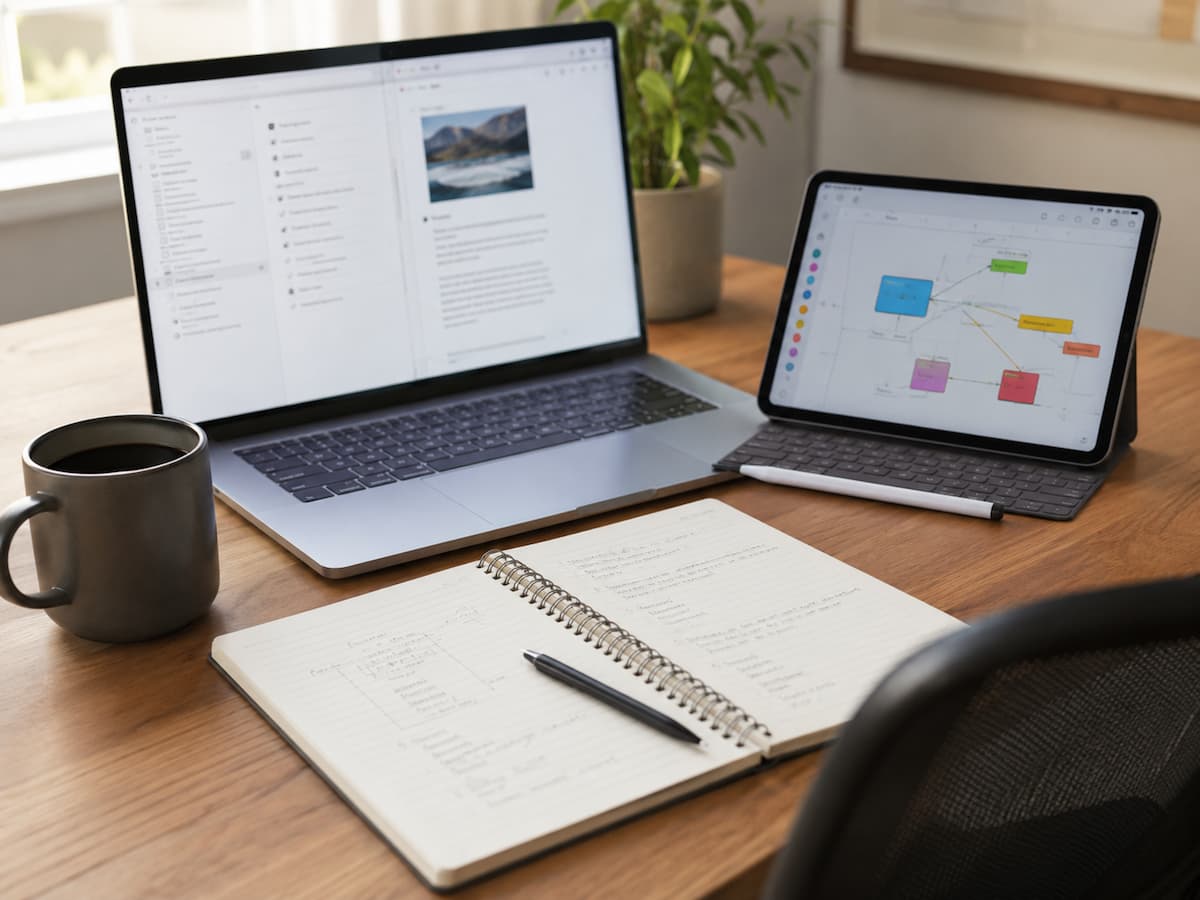
A note-taking app can be one of the simplest tools on your device—or one of the most complicated. Some people need nothing more than a fast place to capture an idea. Others want a searchable archive for research, a workspace for projects, a system for connecting related ideas, or a digital notebook that follows them across several devices. That difference is exactly why choosing note-taking software based on popularity or feature count can lead to a poor fit. The better approach is to start with the way you take notes. Think about where ideas appear, how quickly you need to capture them, what happens to those notes afterward, and how you expect to find them weeks or years later. Once you understand that workflow, the software decision becomes much more straightforward.
Begin With the Moment You Need to Capture Something
The first test for a note-taking application is not its dashboard. It is what happens when you suddenly need to write something down. Imagine you are walking somewhere and remember an important idea. You unlock your phone, open the app, create a note, write two sentences, and close it. How many steps did that take?
Now imagine a different situation. You are researching a subject on a laptop and need to save a long excerpt, attach a document, add your own comments, and connect the material to earlier research. Those are completely different capture workflows. For quick capture, speed and simplicity may matter more than elaborate organization. For research-heavy work, rich formatting, attachments, links, web clipping, and strong search may become more important. Before comparing applications, identify the types of notes you create most often:
- Quick ideas and reminders
- Meeting or class notes
- Research material
- Long-form writing
- Project information
- Checklists
- Reference material
- Journaling
- Photos, scans, sketches, or handwritten notes
Your dominant use case should influence almost every later decision.
Decide How You Expect to Find Notes Later
Taking a note is only half the job. The other half is finding it again. This is where note-taking systems begin to differ significantly. Some applications are built around folders and notebooks. Others rely heavily on tags. Some emphasize links between individual notes, while others use databases, filters, or powerful full-text search. Consider how your own memory works.
If you naturally think in categories such as “Work,” “Travel,” “Recipes,” and “Projects,” a hierarchical organization system may feel comfortable. If you tend to remember a phrase, person, subject, or idea but cannot remember where you stored it, excellent search may be more valuable than an elaborate folder structure.
If your notes are meant to become a connected body of knowledge, backlinks and relationships between notes may be useful. There is no universally superior organization method. The important question is whether the application’s structure matches the way you retrieve information.
Match the App to Your Thinking Style
Note-taking software often imposes an organizational philosophy, even when it does not advertise one. A folder-based application encourages you to decide where information belongs. A link-based system encourages you to connect ideas. A database-oriented tool encourages structured fields and views. A minimal notes app may encourage you to capture information quickly and rely on search later.
That distinction matters because the wrong structure can create unnecessary work. Suppose you frequently write notes that belong to several subjects. Forcing every note into one folder may become frustrating. A system that allows links or tags could provide more flexibility.
On the other hand, if you simply need clearly separated notebooks for work, home, travel, and personal projects, an elaborate knowledge graph may be unnecessary. Choose the organizational model that reduces decisions rather than increasing them.
Test Search With Realistic Notes
Search is one of the most underestimated features in note-taking software. An application can feel excellent when you have twenty notes. The real test comes after the library contains hundreds or thousands. Before choosing a tool, test whether you can quickly locate information using the way you actually remember it. Search for a distinctive phrase, a person’s name, a project term, and a common word. If the application supports filters, test those too.
Some note-taking systems also offer search across attachments, PDFs, images, or other content. Whether that matters depends on your workflow. A research-heavy user may need to retrieve information buried inside documents. Someone who records only short personal reminders may not care. Do not assume that every search feature works in the same way. Search speed, indexing, filters, and supported content can vary considerably between applications.
Check Sync Before Trusting the App With Important Notes
Cross-device synchronization is essential for many note-taking workflows, but it should be tested rather than assumed. If you capture notes on your phone and review them later on a laptop, create a test note on the phone and see how quickly and reliably it appears elsewhere. Edit it from the second device and check whether the change returns correctly. Also test what happens without an internet connection.
Offline functionality can be particularly useful when traveling, working in unreliable connectivity, or simply wanting to continue writing without depending on a network connection. Current comparisons of note-taking tools commonly treat synchronization and offline access as core selection criteria rather than optional extras. The important issue is not merely whether an application says it “syncs.” You want to know whether the synchronization behavior fits your routine.
Think About Where Your Notes Are Stored
Before building a large archive, understand the software’s storage model. Some applications primarily store information in the cloud. Others keep files locally, while some combine local storage with optional synchronization services. This distinction can affect offline access, backups, privacy, migration, and how much control you have over the underlying files.
If you prefer having notes available as ordinary files on your computer, investigate exactly how the application stores them. For example, local-first approaches can make the underlying files easier to access independently of the application, while cloud-first systems may provide greater convenience but create a different dependency on the service. Neither approach is automatically right or wrong. The important thing is to understand what you are choosing before years of notes accumulate.
Give Data Portability More Weight Than You Think
The easiest time to think about migration is before you need to migrate.Ask whether your notes can be exported and which formats are available. Plain text and Markdown can be useful for long-term portability, while HTML, PDF, or application-specific formats may be appropriate for other purposes. But do not stop at the existence of an export button.
Test a small export. Open the resulting files somewhere else and check what survived. Formatting, attachments, links, tags, databases, and other application-specific elements may not transfer perfectly. Privacy Guides, for example, includes export and cross-platform considerations alongside privacy when evaluating note-taking applications, illustrating why software choice involves more than interface features.
A simple question can reveal whether a tool creates too much dependency:
If I stopped using this application next year, could I realistically take my notes with me?
You may never need to leave. But having a practical exit route is valuable.
Decide How Much Structure You Really Need
There is a temptation to build a sophisticated note system from the beginning. Folders, tags, templates, databases, backlinks, properties, dashboards, automation, and integrations can all be useful. They can also turn a simple note-taking habit into a maintenance project. Start with the minimum structure that allows you to retrieve information comfortably.
If you notice that you repeatedly need another category, tag, link, or property, add it then. This gradual approach is usually more sustainable than designing an elaborate system before you know how you actually take notes. A note-taking application should help you capture and retrieve information. If you spend more time maintaining the system than using it, the structure has probably become too complicated.
Consider Writing and Editing Comfort
The writing experience deserves more attention than screenshots usually receive. Test the application with the kind of material you actually create. Write a short paragraph, a long document, a checklist, and perhaps a table if those are part of your normal workflow.
Pay attention to typing responsiveness, formatting controls, navigation, text selection, keyboard shortcuts, and how easily you can move between notes. Writers may care about distraction-free editing and Markdown support. Students may need handwriting, images, PDFs, or diagrams. People taking meeting notes may prioritize speed and checklists.
There is no reason to choose an application because it has a sophisticated editor if that editor makes ordinary writing uncomfortable.
Check Mobile and Desktop Experiences Separately
An application may be excellent on a computer and awkward on a phone. That matters because note-taking often happens in different environments. On mobile, you may need fast capture, voice input, camera access, handwriting, or quick access to recent notes. On desktop, you may care more about keyboard shortcuts, window management, bulk editing, search, and organizing large amounts of information.
If you regularly move between devices, test each version rather than assuming the experience is consistent. Cross-platform comparisons also show why platform support should be evaluated as part of the workflow rather than treated as a simple yes-or-no feature. An application may technically support several platforms while providing noticeably different capabilities on each one.
Consider Privacy Based on What You Store
Not every note has the same sensitivity. A shopping list does not require the same privacy considerations as personal records, confidential work information, client material, or private journal entries. Think about what you plan to store before selecting the application.
Review the provider’s privacy documentation, account-security options, permissions, synchronization model, and available encryption protections. If privacy is a major concern, investigate whether the service provides end-to-end encryption and what limitations apply.
Privacy-focused resources distinguish between applications based on factors such as encryption, storage models, and the involvement of service providers. Avoid assuming that a familiar brand automatically offers the privacy model you want. Examine the actual product and settings.
Decide Whether You Need Collaboration
Personal notes and collaborative documentation are different jobs.If you are taking private notes, you may care most about speed, organization, search, and portability. If several people need to edit the same information, collaboration becomes much more important. You may need shared pages, comments, permissions, version history, or integration with other workplace tools.
This distinction can eliminate unsuitable applications quickly. A powerful collaborative workspace may be excessive for someone who simply wants a private place to record ideas. Conversely, a minimalist personal notes application may become frustrating when several people need to maintain the same documentation. Choose based on who needs access to the information and what they need to do with it.
Treat AI Features as Optional, Not the Starting Point
Many modern note-taking applications now include AI-powered features such as summarization, transcription, search, rewriting, or question answering. These features can be useful, particularly for large collections of information or meeting notes. But they should not distract from the fundamentals. A note-taking application still needs to capture information reliably, preserve it, let you find it, and give you appropriate control over it.
If AI is important to your workflow, investigate what the feature actually does and what information it processes. For meeting transcription or other recorded content, privacy, retention, permissions, and consent can become additional considerations. Choose the underlying note system first. Treat AI as a capability that supports the workflow rather than the reason the workflow exists.
Compare Three Different Types of Users
A practical way to understand your requirements is to imagine three people choosing a note-taking application.
- The quick-capture user mainly records reminders, ideas, lists, and short notes. This person benefits from fast launch times, simple editing, excellent search, and dependable synchronization. Complex databases may provide little value.
- The knowledge-builder collects research, references, ideas, and long-term information. This person may benefit from strong linking, search, tagging, attachments, and portable storage.
- The project-focused user keeps meeting notes, decisions, action items, project information, and shared documentation. Collaboration, permissions, integrations, and task features may matter more.
None of these workflows is better than the others. The point is that the same application can feel excellent to one person and unnecessarily complicated to another.
Run a Small Real-World Trial
The most useful test is not reading another list of features. It is using the application with your own information. Give the candidate software a short trial and recreate several normal situations. Capture a note quickly on your phone. Write a longer note on your computer. Search for something you created earlier. Work offline if that matters to you. Attach a file. Organize several notes. Try exporting them.
Then ask yourself a simple question:
Did the software disappear into the workflow, or did I keep thinking about how to use the software?
The first outcome is usually a good sign. When a note-taking system becomes invisible, you can concentrate on the information rather than the tool.
A Simple Comparison Framework
If you are comparing several applications, rate them against the factors that genuinely matter to you.
| Factor | What to evaluate |
|---|---|
| Capture | How quickly can you create a note? |
| Search | Can you reliably find older information? |
| Organization | Does the structure fit the way you think? |
| Sync | Are changes reliable across devices? |
| Offline access | Can you continue working without a connection? |
| Editing | Does writing feel comfortable? |
| Portability | Can your notes be exported in useful formats? |
| Privacy | Are storage and data practices acceptable to you? |
| Collaboration | Can others access information when necessary? |
| Complexity | How much setup and maintenance does the system require? |
| Cost | Does the pricing model make sense over time? |
Give greater weight to the factors that can actually prevent you from using the application successfully. For example, if you work across Windows and Android, platform support may be more important than an attractive interface. If your notes contain sensitive information, privacy may outweigh a collection of convenience features.
Conclusion: Choose the System You Will Actually Use
A good note-taking app is rarely the one with the longest list of features. It needs to align seamlessly with how you capture, organize, retrieve, and use information. First, determine your primary note-taking workflow. Then, evaluate factors such as capture speed, search capabilities, organization, synchronization, offline access, writing experience, portability, privacy, collaboration, and ease of use.
Most importantly, test the app with actual work material before importing all your notes. A good note-taking system should simplify the process of capturing and retrieving information; it shouldn’t demand constant attention. If you can open the app when inspiration strikes, quickly jot something down, find it again months later, and easily move it elsewhere if your needs change, you’ve likely chosen software that fits your workflow—rather than just something that looks good.
FAQs
1. What is the most important feature of note-taking software?
There is no single feature that is most important for everyone. While capture speed, search, synchronization, organization, and portability are generally considered essential, their priority depends on how you use your notes. For someone wanting to quickly jot down personal reminders, speed and search capabilities might be more important; researchers might focus more on linking, attachments, and export options.
2. Should I choose a simple note-taking app or one with many features?
Choose a simple app that fits easily into your current workflow. A feature-rich system is only worth considering if you genuinely need advanced capabilities for organization, collaboration, automation, or knowledge management. If these features don’t solve specific problems for you, they may simply add unnecessary complexity.
3. Are cloud-based notes better than local notes?
There is no inherent advantage to one over the other. Cloud-based systems offer convenient synchronization and access from multiple devices, whereas locally focused systems provide greater control over file storage locations and access methods. Your choice should depend on your needs regarding convenience, offline usage, privacy, backups, and portability.
4. How important is the note export function?
The export function is particularly important if you intend to keep your notes for the long term. It offers a convenient way to migrate information should the app change, become unusable, or cease to receive updates. Test the export process before building up a large library of documents; do not simply assume that the advertised export features will perfectly preserve all your content.
5. Do I need backlinks and advanced knowledge management features?
If you primarily capture reminders, lists, brief notes, or simple documents, you may not need these features. Backlinks and advanced linking capabilities become especially important when you frequently connect ideas across different notes. Avoid choosing an app solely because it offers advanced features; instead, start by considering your current habits regarding research and information retrieval.
6. How do I determine if a note-taking app suits my workflow?
Use the app to actually perform tasks and work with it for a few days. Create notes on your usual devices, search for past information, organize your notes, test synchronization, use the app offline if necessary, and export some samples. The goal is to understand whether the app enhances your daily workflow.
7. Does privacy affect my choice of note-taking software?
Yes, especially if you plan to store sensitive or confidential information. Carefully review the app’s privacy policy, permission settings, storage model, security configurations, and encryption options. The more sensitive your notes are, the more carefully you should let these factors influence your choice.

Daniel Mercer writes about everyday technology problems, including computer and network troubleshooting, device care, software and apps, digital organization, and online privacy. He focuses on practical explanations that help readers understand what may be causing a problem before changing settings or replacing equipment. Daniel prefers clear, straightforward guidance over unnecessary technical jargon and aims to make technology easier to understand for everyday users. His work appears across FinStructura’s five main content areas.