
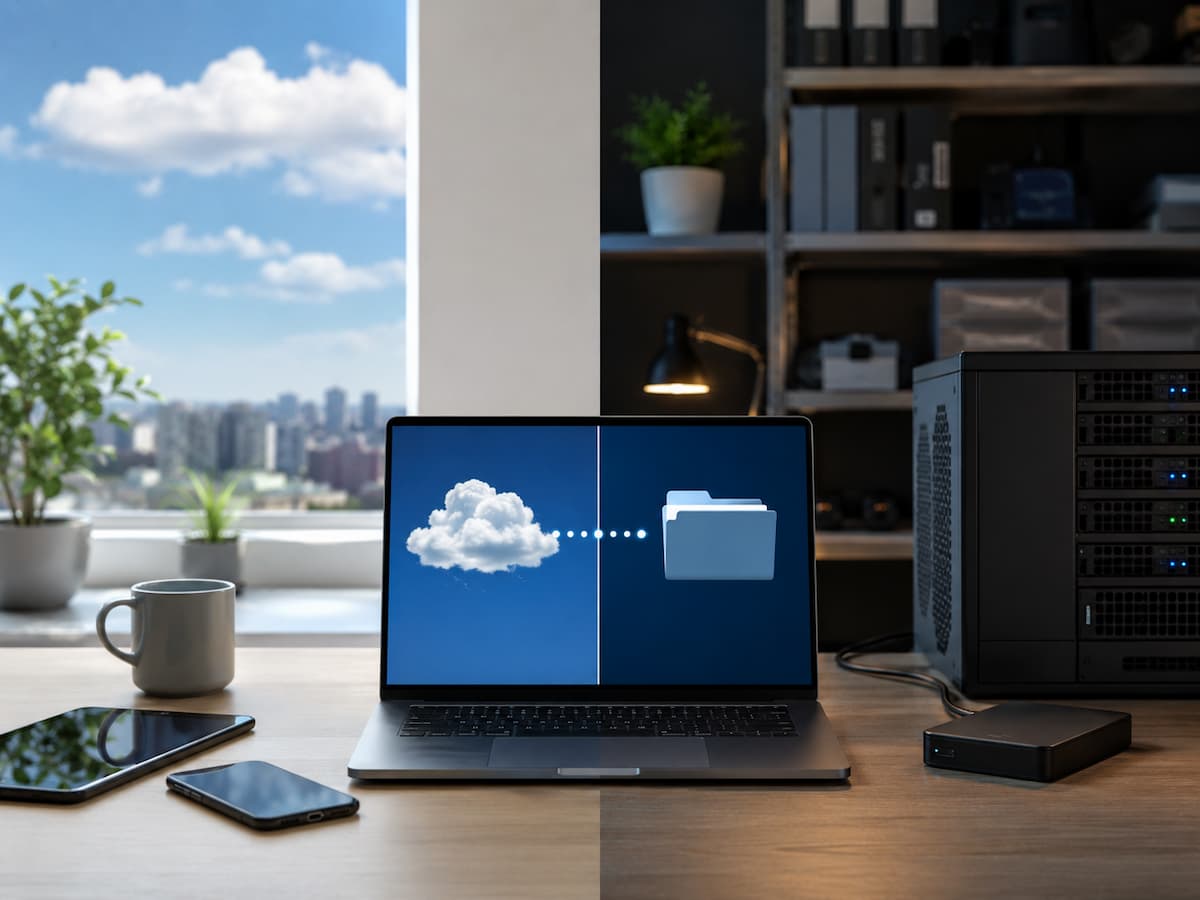
In the past, choosing software was relatively simple: you installed the program on your computer, entered the license key, and were ready to use it. Today, similar applications are often offered as cloud services, local installations, or a combination of both. This shift goes far beyond where the software actually runs; it affects how you access files, how updates are deployed, how network outages are handled, who manages the underlying infrastructure, and the degree of control you have over your data.
Cloud software typically runs on infrastructure managed by a service provider and is accessible via a network—usually through a web browser or a dedicated application. Local software, by contrast, is installed on your own computer or on infrastructure managed by your organization. The National Institute of Standards and Technology (NIST) defines cloud computing as on-demand network access to shared computing resources, whereas Software as a Service (SaaS) provides users with access to applications running on cloud infrastructure. Neither approach is inherently better or worse. The right choice depends on your work style, the importance of offline access, the level of technical control required, and whether convenience or independence is the higher priority.
The Difference Is Really About Control and Responsibility
The easiest way to understand cloud software versus local software is to ask one question: who is responsible for keeping the software environment running?
With cloud software, much of the underlying infrastructure is operated by the provider. You typically create an account, connect to the service, and use the application’s features without managing the servers, operating systems, storage infrastructure, or physical hardware behind it. This is one of the defining characteristics of software as a service. With local software, the application is installed on a device you control. Depending on the product, you may also control where its files are stored, when updates are installed, and which version remains in use.
Consider a small design business with three employees. A cloud application may let all three employees work with the same information from different computers without requiring the business to maintain an application server. A locally installed application might instead store working files on individual computers or on a company-managed network. That distinction becomes important when deciding between convenience and control.
Cloud Software: What You Gain
Cloud software is particularly useful when access from multiple devices or locations is part of normal work. Because the application and associated data are commonly hosted on provider infrastructure, users can often sign in from a laptop, desktop, or mobile device rather than being tied to one installation. Collaboration is another major advantage. When several people need access to the same system, a centrally hosted application can simplify account management and shared access. It can also reduce the amount of software infrastructure an organization has to maintain itself.
Updates can be another advantage. Instead of every user having to manually find and install a new version, the provider can maintain the service centrally. However, this convenience also means users have less control over the timing of changes.
Cloud services can also make scaling easier. If a business grows from a few users to dozens, adding accounts may be simpler than purchasing and configuring additional hardware and installations. NIST identifies rapid provisioning and elasticity as important characteristics of cloud computing. The trade-off is dependence. Your experience can become tied to the provider’s availability, account policies, internet connection, pricing model, and continued support for the service.
Local Software: Where It Still Makes Sense
Local software remains useful when direct control over the application and its working environment matters. A locally installed program can be a strong choice for people who frequently work without internet access. If the application does not require an online account or cloud connection, you can continue working even when the network is unavailable.
Performance can also be more predictable in some situations. Resource-intensive applications may take advantage of the computer’s processor, memory, graphics hardware, and local storage rather than depending heavily on a remote service and network connection. Local software can provide greater control over versions and data locations as well. An organization may want to keep an older application version because a particular workflow depends on it, although this creates an important security responsibility: unsupported software can become increasingly difficult to maintain safely.
There is also a common misconception that local automatically means private or secure. It does not. A locally installed application can still be compromised through malware, stolen devices, weak passwords, unsafe backups, or unpatched software. Likewise, cloud software is not automatically insecure. Security depends on the specific architecture, provider controls, configuration, account practices, and how the service is used.
Cloud Software vs Local Software: A Practical Comparison
| Factor | Cloud Software | Local Software |
|---|---|---|
| Access | Usually available across supported devices with network access | Primarily tied to installed devices |
| Internet dependence | Often significant, although some services offer offline features | Usually lower |
| Updates | Commonly managed by the provider | Usually managed by the user or organization |
| Hardware management | Mostly handled by the provider | Mostly handled by the user or organization |
| Collaboration | Often designed for shared access | Depends heavily on the application and network setup |
| Data location | Generally stored on provider infrastructure, depending on service | Often stored locally or on organization-controlled systems |
| Version control | Provider may determine available versions | User may have more control |
| Scaling users | Often straightforward to add accounts | May require additional installations or infrastructure |
| Long-term cost | May involve recurring subscription or usage charges | May involve license, upgrade, maintenance, and hardware costs |
| Offline work | Depends on the service | Usually stronger |
| Provider dependence | Higher | Lower, although support may still be required |
| Administrative control | Shared with the service provider | Generally greater direct control |
The table shows why the question cannot be reduced to “which one is better?” Each model moves responsibility in a different direction.
What About Cost?
Cost is one of the easiest areas to misunderstand. Cloud software frequently uses subscriptions, although pricing varies considerably. A subscription can make initial adoption easier because you may not need to purchase and maintain a large amount of infrastructure yourself. But recurring charges can become significant over several years, particularly as the number of users or amount of storage increases.
Local software can appear cheaper when purchased once, but the purchase price is not necessarily the complete cost. You may also need to account for upgrades, compatible hardware, maintenance, backups, technical support, and the time required to manage installations.
For example, imagine a business needs software for ten employees. A cloud subscription may have a predictable monthly charge per user. A local deployment could involve licenses plus workstation upgrades, network storage, backup equipment, and administrative work. The better comparison is therefore total cost of ownership, not simply subscription price versus purchase price. Before deciding, estimate the cost over the period you realistically expect to use the software. Include licensing, storage, hardware, maintenance, backups, migration, support, and potential switching costs.
Which Option Is Better for Offline Work?
If reliable offline access is essential, local software usually deserves serious consideration. A photographer working on a laptop while traveling, for example, may need editing tools to remain functional on an airplane or in an area with unreliable connectivity. A cloud-first application may become inconvenient if important features disappear when the connection is interrupted.
Cloud software is not necessarily completely unusable offline. Some services provide offline modes or locally cached data. However, offline functionality varies by product and may support only selected features. This is why “cloud software” should never be treated as a single category with identical behavior.
Before choosing a cloud application, test the exact workflow you care about. Determine whether you can open existing files, create new work, save changes, and synchronize them after reconnecting. Do not assume that an application with an offline mode provides the same functionality offline as it does while connected.
Which Option Gives You More Data Control?
Local software can provide more direct control over where files are stored, but control is not the same thing as safety. If files remain on a computer that you physically control, you may have greater influence over storage, backups, access permissions, and retention. For organizations with specific infrastructure requirements, that can be valuable.
Cloud services introduce another party into the environment. You need to understand where information is stored, how accounts are protected, what administrative controls exist, how data can be exported, and what happens when an account is closed. CISA’s guidance on SaaS emphasizes that security responsibilities are distributed among different parties rather than belonging entirely to either the provider or customer.
That makes provider evaluation important. A cloud service should not be selected solely because it is convenient. Review its security documentation, account controls, export capabilities, backup approach, service terms, and administrative features before moving important information into it.
Cloud Software Is Not Automatically More Secure
Security is often presented as an argument for one model or the other, but the reality is more complicated. A major cloud provider may have extensive security resources and operational capabilities that would be difficult for a small organization to reproduce independently. At the same time, a cloud account can introduce risks such as compromised credentials, poorly configured permissions, service-provider dependencies, and third-party exposure.
Local software has its own risks. A computer that is never patched, protected, or backed up can become a serious weakness even though the application is installed locally. The practical question is therefore not “Is the cloud safer?” It is “Which security responsibilities can we manage effectively?”
For cloud software, pay particular attention to strong authentication, user permissions, recovery options, audit capabilities, data export, and the provider’s security practices. For local software, pay attention to software updates, device security, access controls, backups, and recovery procedures. CISA also recommends maintaining backups and considering offline or cloud-to-cloud backup strategies for important data.
Think About What Happens If the Provider Changes
There is another issue that often receives too little attention: software independence. A cloud application can change its pricing, features, interface, storage limits, or account policies. A service could also be discontinued or become unsuitable for your needs. That does not mean cloud software is a poor choice. It means you should understand your exit options before becoming heavily dependent on a service.
Ask:
- Can you export your data in a useful format?
- Can you migrate that data to another application?
- Are your files stored in an open or widely supported format?
- What happens to your information if you cancel?
- How long do you have to retrieve it?
- Are there contractual or technical restrictions on migration?
These questions matter especially when software becomes part of a long-term workflow.
When Cloud Software Is Usually the Better Fit
Cloud software tends to make more sense when your work depends on multiple devices, distributed teams, frequent collaboration, centralized information, or minimal infrastructure management. A remote team managing shared documents is a straightforward example. Each person may need access from a different location, and centralized access can be more convenient than maintaining separate installations and manually exchanging files.
It can also make sense for a growing organization that does not want to spend significant time maintaining application infrastructure. Cloud software is particularly attractive when the provider’s managed environment removes work that the organization does not want to perform itself.
When Local Software Is Usually the Better Fit
Local software deserves priority when offline access, specialized hardware, predictable local performance, version control, or direct infrastructure control is more important than centralized accessibility.
It can also be appropriate when an application performs specialized processing on a workstation or when an organization has a well-managed local environment and a reason to keep software and data under its own operational control. However, local deployment should come with a realistic maintenance plan. Someone still needs to handle updates, backups, security, compatibility, and eventual hardware replacement.
A Better Way to Make the Decision
Instead of asking which model is generally superior, score the software against your actual workflow.
- Start with access. Do you need the application from several devices or locations?
- Then consider connectivity. Would losing internet access for several hours seriously disrupt your work?
- Next examine data. Where should your information reside, and how easily must it be exported or migrated?
- Then evaluate control. Do you need to decide when software changes, where files are stored, or which version is used?
- Finally, examine responsibility. Would you rather pay a provider to manage much of the infrastructure, or retain that responsibility in exchange for greater control?
A useful decision might look like this:
| Your priority | Likely direction |
|---|---|
| Work from many locations | Cloud |
| Frequent team collaboration | Cloud |
| Minimal infrastructure management | Cloud |
| Strong offline requirements | Local |
| Direct control over software versions | Local |
| Specialized workstation performance | Local |
| Centralized access and administration | Cloud |
| Greater direct control over storage | Local |
| Need for both online collaboration and local processing | Hybrid |
The final row is worth emphasizing because real-world environments do not always fit neatly into two categories.
The Hybrid Approach May Be the Most Practical
Many people do not need to choose between cloud and local software exclusively. A hybrid setup can combine cloud collaboration with locally installed applications. For example, a team might use a cloud-based system for shared documents and communication while keeping specialized editing or engineering software installed on powerful workstations.
This arrangement can preserve the advantages of centralized access without forcing every workload into a cloud environment. The important part is understanding where each piece of the workflow belongs. Moving everything to the cloud simply because cloud software is popular can create unnecessary dependencies. Keeping everything local simply because it feels more controlled can create maintenance work that provides little practical benefit. The strongest setup is usually the one that matches the requirements of each workload.
What Should You Choose?
Choose cloud software when accessibility, collaboration, centralized management, and reduced infrastructure responsibility are your priorities.
Choose local software when offline capability, direct control, specialized local performance, or greater independence from a service provider matters more.
And if your requirements are mixed, consider using both. The most useful decision is not based on whether cloud or local software is fashionable. It comes from identifying what happens when the internet goes down, who needs access, where data should live, how much control you require, and what responsibilities your team can realistically manage.
Before committing to either model, test the software against your most important real-world workflow rather than judging it from a feature list. That small step can reveal limitations that are easy to miss during a conventional software comparison.
Final Takeaway
Cloud software and on-premises software address different needs. Cloud applications shift more infrastructure responsibility to service providers and simplify online access; conversely, on-premises applications give users more direct control over the software environment and are better suited for offline or specialized tasks.
The best choice is software that aligns with your actual workflow. Beyond the interface, consider factors such as connectivity requirements, data management, security responsibilities, total costs, performance, maintenance, collaboration capabilities, and the potential for future migration. This approach is far more reliable than choosing software simply because it is labeled “cloud” or “desktop.”
FAQs
1. Is cloud software better than on-premises software?
Not necessarily. Cloud software is generally more convenient for collaboration, remote access, and centralized management, whereas on-premises software is better suited for offline work, direct control, and specific local processing tasks. The right choice depends on the specific workload.
2. Can cloud software work without an internet connection?
Sometimes. Some cloud applications offer offline functionality, though the specific features available vary by service. It is always advisable to consult the application’s documentation regarding offline capabilities before relying on it for offline work.
3. Is on-premises software more secure than cloud software?
Not necessarily. Security responsibilities and risks differ between the two models. On-premises software still requires updates, security hardware, access controls, and reliable backups, while cloud services require rigorous procedures for managing accounts, access, providers, and data.
4. Is cloud software more expensive in the long run?
Possibly, but not necessarily. Subscription costs can add up significantly over time, whereas on-premises software entails costs for licenses, hardware, maintenance, upgrades, and support. Total costs over the expected lifespan should be compared, not just the initial price.
5. Can companies use cloud and on-premises software simultaneously?
Yes. A hybrid approach is very useful when different workloads have different needs. For example, cloud software can facilitate collaboration, while specific applications remain on-premises.

Daniel Mercer writes about everyday technology problems, including computer and network troubleshooting, device care, software and apps, digital organization, and online privacy. He focuses on practical explanations that help readers understand what may be causing a problem before changing settings or replacing equipment. Daniel prefers clear, straightforward guidance over unnecessary technical jargon and aims to make technology easier to understand for everyday users. His work appears across FinStructura’s five main content areas.