
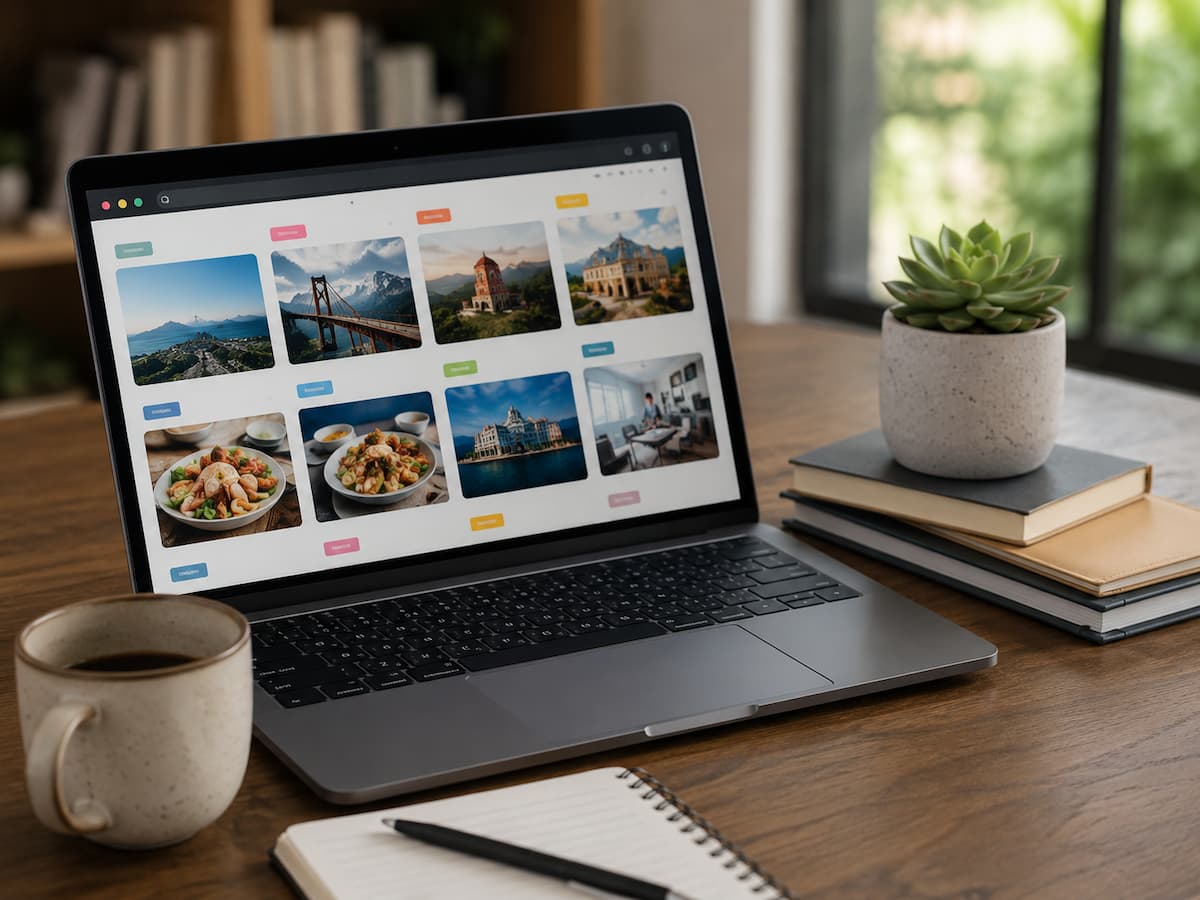
Most people do not have a problem finding interesting things online. The real problem starts afterward. A useful article gets saved for later, a recipe is bookmarked, a product page is added to a reading list, and an important tutorial is stored somewhere “just in case.” Months later, the browser contains hundreds of saved pages, yet finding the one you actually need can feel almost as difficult as searching the internet again. A large bookmark collection is not necessarily an organized one. The difference comes from having a simple system that helps you decide what deserves to be saved, where it belongs, and when it should be removed. You do not need complicated software or dozens of folders to fix the problem. A small number of meaningful categories, consistent naming, and occasional cleanup can turn a neglected bookmark list into a useful personal reference library. The goal is not to save fewer things simply for the sake of having fewer bookmarks. It is to make saved pages valuable enough that you will actually return to them when you need them.
Why Most Bookmark Collections Stop Being Useful
Bookmarks usually become difficult to manage because saving a page is effortless while organizing it requires a separate decision. When something looks useful, clicking the bookmark button feels like completing the task. The problem is that the page has only been stored, not organized. After doing this repeatedly, the collection becomes a mixture of articles you intended to read, websites you occasionally use, instructions for a project that ended months ago, products you considered buying, and pages you cannot remember saving. Some bookmarks may still be valuable, but they are surrounded by so much outdated material that finding them takes too long. This creates a strange cycle where people stop using their bookmarks and start searching the web again. The bookmark system has technically succeeded at storing information but failed at making that information retrievable. A useful organization system therefore needs to solve two different problems: deciding what should be saved and making saved information easy to find later. If either part is ignored, the collection will eventually become cluttered again.
Start With a Small Number of Main Categories
The strongest bookmark systems are usually simpler than people expect. Creating a separate folder for every subject sounds organized at first, but it can quickly create another problem: you may not know which folder should contain a particular page. A better approach is to begin with broad categories that reflect the way you actually use the internet. For example, you might have folders for Work, Personal, Learning, Shopping, Reference, and Projects. The exact names are less important than whether they make sense to you. If you regularly save information about home projects, creating a Home folder may be more useful than placing those pages inside a broad Personal category. Your folders should answer a practical question: “Where would I look for this later?” If the answer is obvious, the category is doing its job. If you repeatedly hesitate between two folders, the structure probably needs simplifying rather than adding another layer of folders.
Separate Temporary Saves From Long-Term References
One of the most useful changes you can make is separating pages you want to deal with soon from information you expect to keep. A page saved because you plan to read it this weekend has a different purpose from a technical guide you expect to consult for years. Putting both into the same collection guarantees that temporary material will eventually bury useful references. Create a temporary area such as Read Later, Review, or Inbox. Anything you save without knowing exactly where it belongs can go there initially. Then, during a regular review, decide whether each page should be read, moved into a permanent category, or deleted. This creates a simple two-stage process instead of forcing you to organize every bookmark at the exact moment you discover it. The temporary folder should not become another permanent storage area, though. Its purpose is to hold unresolved items until you make a decision. If the folder contains hundreds of pages that have been waiting for months, it has become part of the problem rather than part of the solution.
Organize Bookmarks Around Tasks Instead of Just Topics
Topic-based folders can be useful, but task-based organization can be even more practical. Instead of creating folders only for subjects such as technology, travel, finance, or cooking, think about what you actually intend to do with the saved information. A project folder might contain instructions, documentation, tools, and reference material needed to complete a particular task. A travel planning folder could contain transportation information, accommodation details, maps, and places you want to visit. Once the trip is finished, the folder can be archived or cleaned rather than remaining permanently active. This approach prevents your bookmark collection from becoming an encyclopedia of every subject that has ever interested you. The information stays connected to a purpose. When you return later, you are more likely to remember why you saved the page and how it fits into your work. For long-term reference material, topic folders still make sense. For short-term information, organizing around the task usually makes retrieval faster.
Give Important Bookmarks a Clear Identity
A bookmark title should help you recognize the page without opening it. Many websites already provide reasonable titles, but others use vague headings, long technical names, or titles that make sense only in the original context. If a page is genuinely important, rename the bookmark so its purpose is obvious. Instead of saving something under a generic title such as “Guide” or “Documentation,” use a short description that tells you what you will find there. A useful naming style might combine the subject with the purpose, such as “Router Setup Guide” or “Tax Form Instructions.” Do not make titles excessively long. The goal is quick recognition, not a complete summary of the page. Consistent naming also helps when you search your bookmarks later. If you repeatedly use similar terms for similar resources, the browser’s search function becomes much more useful because you know which words are likely to find the information you want.
Use Folders Only When They Improve Retrieval
Folders are helpful when they reduce the amount of information you need to scan. They are not helpful simply because having more folders looks organized. If you have a folder called Technology containing 300 bookmarks, it may be too broad. But splitting it into twenty tiny folders can make navigation slower because you have to remember exactly where a page belongs. A useful structure usually has only a few levels. You might have a main Projects folder with individual project folders inside it, while permanent reference material sits in broader categories. Try to avoid going more than two or three levels deep unless there is a strong reason. The test is simple: imagine that you need a saved page six months from now. If you can reach it quickly without remembering the exact date you saved it, your structure is probably working. If you have to open several folders and guess repeatedly, simplify the organization.
Keep Frequently Used Pages Separate From Archived Information
Some bookmarks are used every day or every week. Others are kept because they might be useful someday. Mixing them together makes frequently used resources harder to reach. Create a small area for frequently used pages, such as Daily Tools, Shortcuts, or Favorites. This could contain your work dashboard, calendar, cloud storage, commonly used documentation, or other websites you regularly visit. Keep this section intentionally small. If everything becomes a favorite, nothing is truly prioritized. Less frequently used resources can remain in their normal categories. You can also archive older project folders instead of allowing them to compete with your current work. This creates a useful distinction between information that supports your current activities and information you are simply keeping for possible future reference.
Do Not Save a Page Unless You Know Why You Might Need It
One of the simplest ways to improve a bookmark collection is to change the saving decision itself. Before clicking the bookmark button, pause for a moment and ask why you are saving the page. If the answer is “because it looks interesting,” consider whether you really need to keep it. You can always search for similar information later. If the answer is “I need this for a project,” “I want to read this later,” or “I will need these instructions again,” the reason is much stronger. The purpose does not need to be written down for every bookmark, but knowing it mentally helps you distinguish useful references from impulse saves. This small pause prevents the collection from growing faster than you can maintain it. It also encourages a healthier relationship with online information: you are not trying to possess every useful page you encounter. You are building a smaller collection of resources that have a clear future purpose.
Review Your Saved Pages Before They Become Digital Clutter
A bookmark system needs occasional maintenance because websites change, projects end, and interests move on. You do not need to perform a massive cleanup every week. A short review once a month or every few months can be enough for many people. During the review, open the temporary reading folder first because that is where outdated material tends to accumulate. Remove pages you no longer intend to read and move genuinely useful resources into permanent categories. Then look through older project folders and ask whether those projects are still active. If they are finished, archive the folder or remove information you no longer need. Pay attention to bookmarks that have not been opened for a very long time. Age alone does not mean a bookmark is useless, but it is a reason to reconsider whether it still deserves space in your collection.
Remove Dead Links and Outdated Information
A bookmark can become useless even when you still remember why you saved it. Websites disappear, articles move, services shut down, and documentation gets replaced. An outdated page can also contain information that no longer applies to the current version of a product or service. Periodically check important bookmarks to make sure they still work and remain relevant. If a page has moved, update the bookmark rather than keeping the broken version. If the information has been replaced by a newer official resource, save the newer version instead. This is especially important for technical documentation, software instructions, government information, product manuals, and frequently changing services. Your bookmark collection should not be treated as a permanent copy of the internet. It is a map pointing you toward useful information. When the destination changes, the map needs to change too.
Build a Reliable System for Articles You Want to Read
Reading lists often become the largest source of bookmark clutter. People save dozens of articles with good intentions and then rarely return to them. The solution is to treat saved reading material as a queue rather than a permanent archive. When you find something interesting, place it in a temporary reading area. During your regular review, decide whether it still deserves your attention. If it does, read it or move it to a permanent reference category if it contains information you expect to use again. If it no longer interests you, delete it without guilt. There is no benefit in keeping a five-year-old list of articles you never intend to read. You do not need to finish everything you save. The purpose of a reading list is to help you remember worthwhile material, not to create another obligation.
Create Project Folders With an End Date in Mind
Project-based bookmark folders are extremely useful because they gather related information in one place, but they can become cluttered after a project ends. When creating a project folder, think about its lifecycle from the beginning. Put the project’s useful resources in one location and decide what should happen when the work is finished. Some pages may belong in a permanent reference folder, while others can simply be deleted. If you completed a home repair project, for example, you might keep the manufacturer’s manual but remove temporary shopping pages and comparison articles. If you finished a work project, you may want to retain official documentation while deleting temporary research. This approach keeps completed projects from occupying the same mental space as active ones. It also makes it easier to restart an old project because the useful information has been preserved while the unnecessary clutter has been removed.
Use Your Browser’s Search Instead of Overbuilding the Folder System
Modern browsers can search bookmark titles and sometimes other saved information, which means you do not have to create a perfect folder hierarchy. This is an important reason to keep bookmark names meaningful. If you save a page with a vague title and place it inside a vague folder, you may struggle to find it later. A descriptive title gives searchers another way to locate the resource. You can also use a small set of consistent words for related resources. For example, if you frequently save repair instructions, using “Repair” in relevant bookmark titles can make those pages easier to find. The goal is to combine folders with search rather than forcing folders to do all the work. A simple structure plus searchable names is usually more flexible than an elaborate hierarchy that requires you to remember exactly where every page was placed.
Know When a Bookmark Should Become Something Else
Not every useful webpage needs to remain a bookmark. Sometimes the information is important enough to become a note, a document, a task, or part of a personal knowledge system. If you repeatedly open the same page to copy the same small piece of information, consider whether recording that information in your own notes would be more useful. If a page contains a long set of instructions for a project, you might save the page as a reference while also recording the key steps in your project notes. This does not mean copying copyrighted material wholesale. It simply means capturing the small amount of information you are entitled to use for your own reference. Bookmarks are excellent for pointing to sources, but they are not always the best place for information you need to work with regularly.
Avoid Building a Bookmark System You Will Not Maintain
The best organization system is not the most sophisticated one. It is the one you will continue using after the initial enthusiasm disappears. If your system requires you to rename every page, add multiple tags, write detailed notes, and sort every bookmark into a complicated hierarchy, you may eventually stop maintaining it. Start with the smallest structure that solves your current problem. You can add complexity later if you discover a genuine need for it. A person with 200 bookmarks may need only six folders and a temporary reading area. Someone managing research for several long-term projects may need a more detailed structure. There is no universal number of folders or categories. The right system is the one that makes saved information easier to retrieve without turning organization into another time-consuming task.
A Simple Bookmark System You Can Start Today
A practical setup can begin with six main areas: Inbox, Work, Personal, Projects, Reference, and Frequently Used. The Inbox is where new bookmarks go when you do not want to stop and organize them immediately. Work contains recurring professional resources. Personal holds information related to everyday interests and activities. Projects contain temporary collections that have a clear purpose. Reference stores information you expect to use repeatedly over a longer period. Frequently Used contains only the websites you visit regularly. This structure is intentionally broad. You can adjust the names to match your life, but resist the temptation to create dozens of categories immediately. Once the basic structure is working, you can create smaller folders inside the areas that genuinely become too large.
The Weekly Habit That Keeps the System Working
A bookmark system becomes much more effective when you attach a small habit to it. Once a week, spend a few minutes reviewing your inbox. Delete pages that no longer interest you, read anything that you actually need, and move permanent resources into the appropriate category. Once a month, review your older folders and remove broken or outdated pages. When a project ends, clean its folder immediately rather than postponing the decision indefinitely. These small actions prevent the collection from becoming another neglected digital storage area. You do not need a special productivity routine or complicated software. The key is simply to make processing saved information part of your normal digital habits instead of treating organization as a huge project that you will eventually get around to completing.
The Real Goal Is Faster Retrieval, Not Fewer Bookmarks
A well-organized bookmark collection doesn’t necessarily have to be limited to just a few pages; avid researchers might need to save hundreds of sources. The key is ensuring these sources remain useful and easy to retrieve. If you can quickly find the documents you need, retrieve important references, locate project resources, or discover articles you specifically saved, then the system is working. If you have thousands of bookmarks but still find yourself searching Google for information you’ve already saved, then your bookmark collection is useless. Therefore, the standard for organization should be retrieval efficiency, not visual layout. A neat folder structure is aesthetically pleasing, but the real test is performance when you urgently need something. If you can easily find the page you are looking for, your system is effective.
Conclusion
A bookmark collection is useful when it helps you retrieve information rather than just storing it. The most powerful systems are usually simple. Start with a few broad categories, separate temporary reading material from permanent references, link project information to its specific purpose, use clear bookmark names, and delete pages no longer worth keeping. Most importantly, develop the habit of regularly reviewing both your old and new bookmarks.
You don’t need to organize the entire internet within your browser. Saving information should be based on a reasonable expectation that you will use it again in the future. It is about giving important sources a clear place and removing outdated content from your collection. Over time, your bookmarks will transform from a growing pile of forgotten pages into a useful personal reference library that genuinely saves you time.
FAQs
1. How many bookmark folders should I create?
There is no ideal number for everyone, but generally, it is easier to start with a few main categories than to create many specialized folders. Six to eight main folders are sufficient for most personal collections. Your categorization should reflect how you actually use the saved information, rather than following a standard template. If a folder becomes very large, you can split it up based on specific needs. If you often find yourself unsure where to place something, consider merging folders. The goal is quick retrieval, not a perfectly detailed categorization system.
2. Should I delete bookmarks I haven’t opened in a long time?
Not necessarily. Some resources are valuable precisely because you only need them occasionally. Technical reference materials, government documents, product manuals, or documents for long-term projects might not have been used for months but could still be worth keeping. Instead of using “time since last use” as the sole criterion, consider whether the page is still useful. If you can no longer remember why you saved the page in the first place—and would likely search for different content if you needed it again later—then it might be wise to delete it. The best rule of thumb for decluttering is “usefulness,” not just “inactivity.”
3. How should I handle bookmarks that I might not actually read later?
Place them in a temporary reading area rather than mixing them with permanent references. This makes it easier to distinguish between “I want to read this article” and “I need to save this information.” Regularly review the reading area and remove content that is no longer of interest. Your reading list should reflect your actual plans for future reading, not every article that has ever caught your eye. If the list becomes too long, it means you need to be more selective about the content you save.
4. Should I organize my bookmarks immediately after saving them?
Not necessarily. Organizing them right away can interrupt your workflow, especially if you are conducting research or need to work quickly. A temporary inbox folder allows you to save new bookmarks without losing track of them. It is important to organize this folder regularly; if you never look at it, you are essentially just creating an extra pile of clutter.

Daniel Mercer writes about everyday technology problems, including computer and network troubleshooting, device care, software and apps, digital organization, and online privacy. He focuses on practical explanations that help readers understand what may be causing a problem before changing settings or replacing equipment. Daniel prefers clear, straightforward guidance over unnecessary technical jargon and aims to make technology easier to understand for everyday users. His work appears across FinStructura’s five main content areas.