How to Know When an Old Device Should Be Replaced
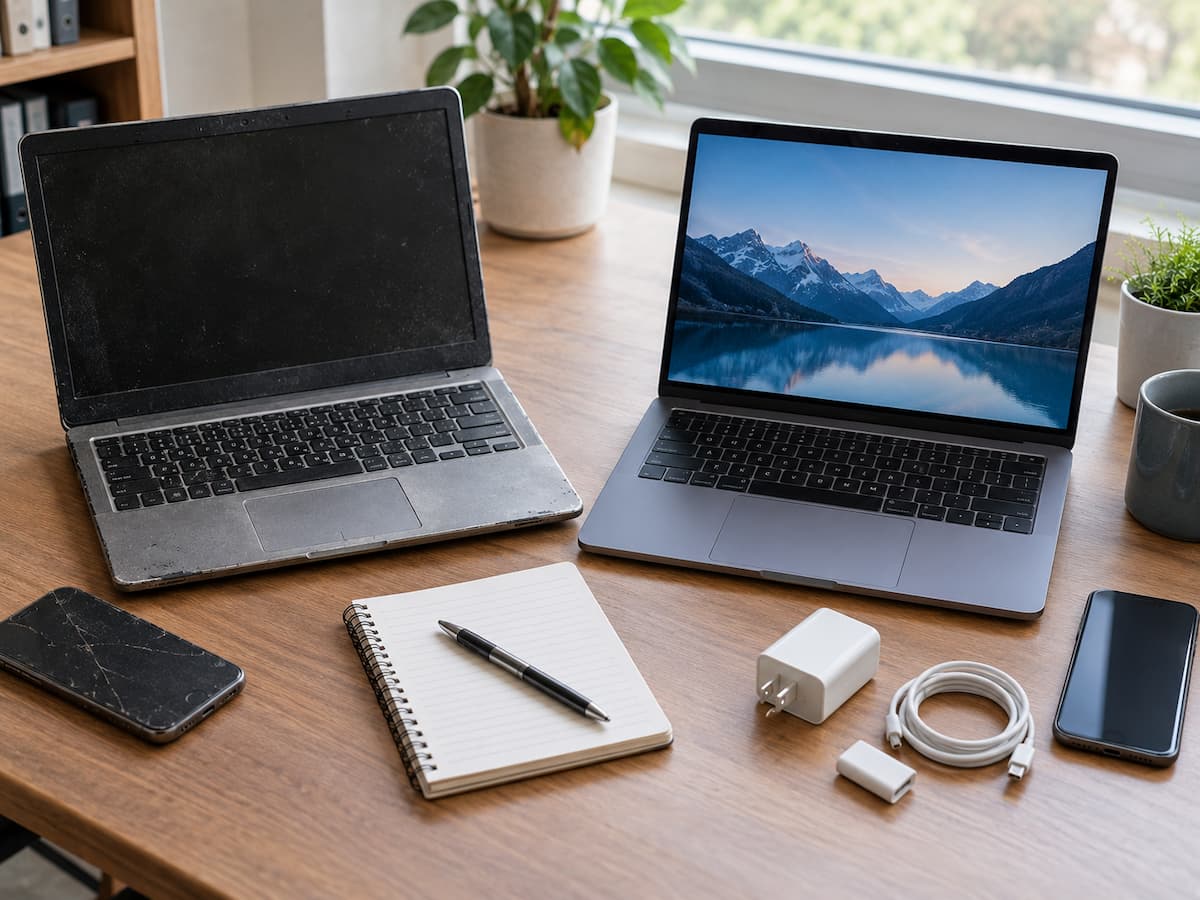
Age alone is a poor reason to replace an electronic device. A five-year-old laptop that starts quickly, receives security updates, holds a charge reasonably well, and handles your normal work may still be perfectly useful. Meanwhile, a much newer phone with a failing battery, damaged charging port, or no longer-supported software can become frustrating or … Read more
How to Manage Software Updates Without Creating Problems

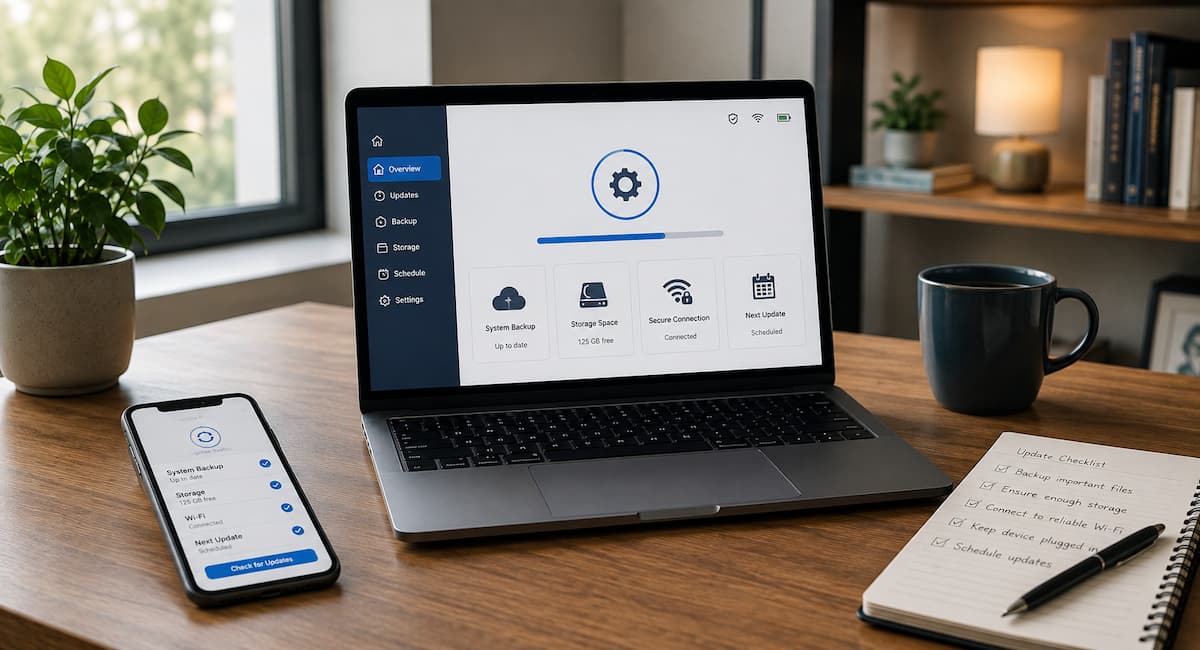
Software updates are supposed to make your computer, phone, and apps better, but the timing can sometimes feel frustrating. An update may appear just before an important meeting, restart a computer when you are busy, consume storage space, change a familiar setting, or cause an application to behave differently. Because of experiences like these, some … Read more

Bluetooth Device Keeps Disconnecting After It Initially Connects

Bluetooth problems can be particularly confusing when the device connects successfully at first and then disconnects a few minutes later. A pair of headphones may work normally until playback starts, a keyboard may type correctly and then stop responding, or a mouse may remain connected until the computer wakes from sleep. Because the initial pairing … Read more

How to Secure Your Account Recovery Options

When everything is working perfectly, account recovery is easily overlooked. You log in with your usual password, approve two-factor authentication requests, and go about your daily routine. Recovery settings operate quietly in the background. Months later, you might lose your phone, forget your password, have an old email address deactivated, or suddenly encounter an unfamiliar … Read more

Digital Decluttering: A Step-by-Step System for Clearing Digital Clutter

Digital clutter is easily overlooked because it takes up no physical space. A mountain of download folders doesn’t block the doorway, hundreds of unread emails don’t fill up drawers, and old apps don’t sit prominently on shelves. Yet, digital clutter can hinder daily tasks. You might waste time searching for important files, digging through rarely … Read more

Why Regular Backups Are Part of Good Device Care

A phone, tablet, or computer can store years of images, messages, documents, contacts, notes, saved files, and personal preferences. But most people consider preserving such information only when something goes wrong. A broken phone, a faulty storage drive, accidental deletion, losing a device, or even a software issue can transform an otherwise ordinary day into … Read more

How to Move Your Data When Switching Software

Switching to a different software program can be far more challenging than you might expect. You may have spent years building contact lists, saving documents, organizing projects, storing photos, creating spreadsheets, or tracking data within an application. When you decide to switch programs, the primary concern is often not learning the new software itself but … Read more

How to Set Up Two-Factor Authentication for Better Account Protection

A stolen password does not have to mean a stolen account. Two-factor authentication adds another authentication step, so knowing the password alone is not enough to complete the login. That extra step is the reason 2FA is worth setting up on important accounts. If someone obtains your password through a reused credential, a data breach, … Read more